


What if we tried it this way?



What does it help someone do?
Practical methods for your AI assistant: write a draft, design a lesson, or build something you can test.
Choose a tool Find a specific toolStudios, toolkits and guides by Kyle Hobson.
An impressive answer.
Then what?
A useful tool helps you do something with the answer. These packages give an AI assistant a working method, concrete steps and checks you can inspect. Bring one real task and see what holds up.
Find your fit.
A studio connects a larger project. A toolkit helps with a particular kind of work.
Try a small idea.
Open its introduction for an example and the AI app it needs. Guides can be read straight away.
Make it yours.
Bring your own task. Check the result, change what needs changing, and keep exploring.
One useful next step
is a good start.
Studios & toolkits.
What would you like to make? Choose a starting point and see how it works.
Loading the catalog…
No matching tools. Try a different word, use Clear filters to keep your search, or Reset view to start again.
The catalog did not load. Try reloading, or open the source collection on GitHub from the footer.
A little help getting settled.
Ready for your
first experiment?
Choose a tool above and follow its setup steps. Different tools need different AI apps; each introduction helps you find the right starting point.
Read the setup guide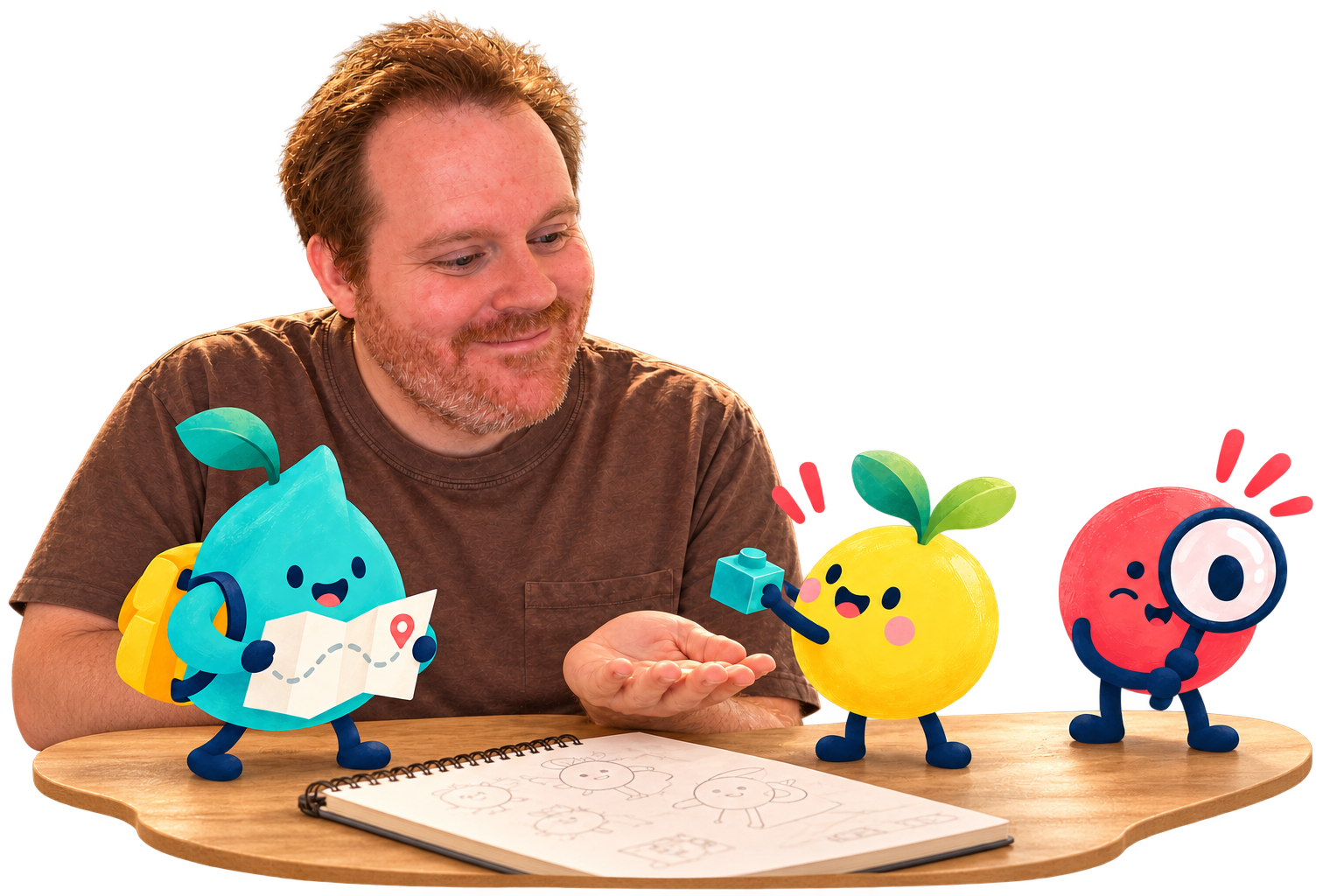
What could this become?
Made to help
ideas move.
I’m Kyle Hobson. My work connects UX research, design, teaching, and AI tools that help a promising idea become something you can try, share, and improve.
Bring your judgment along. Each tool gives you a way to make a first version, inspect it, and decide what comes next.
About the work